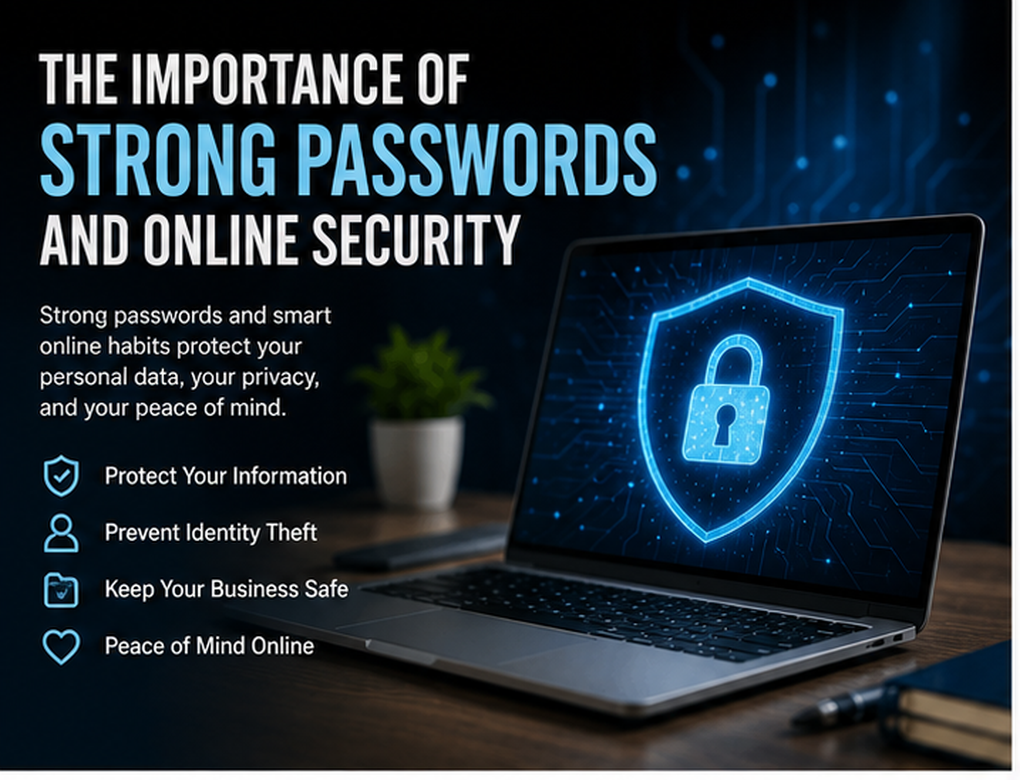
The internet has become an essential part of everyday life. People use online services for banking, shopping, education, entertainment, communication, business, and social networking. While this digital convenience offers enormous benefits, it also creates security risks. Personal accounts can contain financial information, private conversations, photographs, documents, and other sensitive data that cybercriminals may attempt to access.
One of the simplest yet most important ways to protect digital accounts is to use strong passwords and online security practices. A weak or reused password can make it easier for attackers to gain unauthorized access, while stronger authentication and responsible online habits can significantly reduce the risk.
Understanding the importance of strong passwords and online security is therefore essential for individuals, families, employees, and businesses. This guide explains why password security matters, how accounts are commonly compromised, and what practical steps can help create a safer online experience.
Why Are Strong Passwords Important?
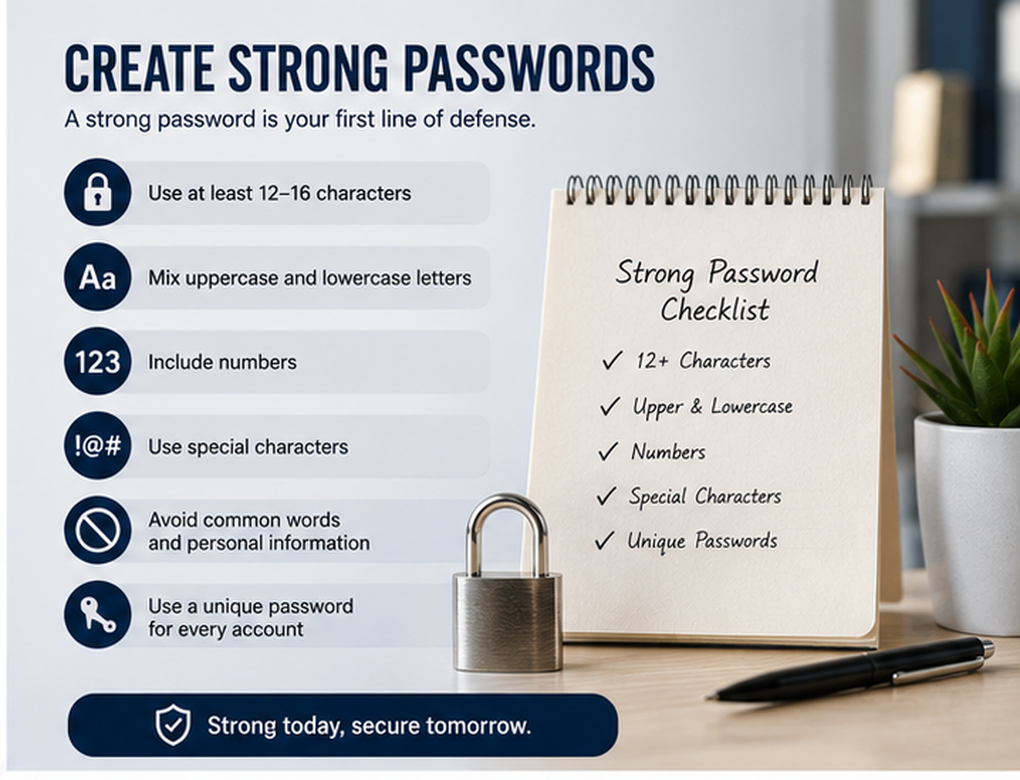
Passwords are often the first line of defense between an online account and an unauthorized user.
Email accounts, banking platforms, social media profiles, online stores, cloud storage services, and workplace systems frequently depend on passwords for authentication.
If someone obtains your password, they may be able to access the information stored within the account.
The consequences can include:
- Unauthorized account access
- Identity theft
- Financial fraud
- Stolen personal information
- Loss of private documents
- Social media account takeover
- Unauthorized purchases
- Business data breaches
Strong passwords make unauthorized access more difficult, especially when combined with additional security measures such as multi-factor authentication.
1. Weak Passwords Are Easier to Guess
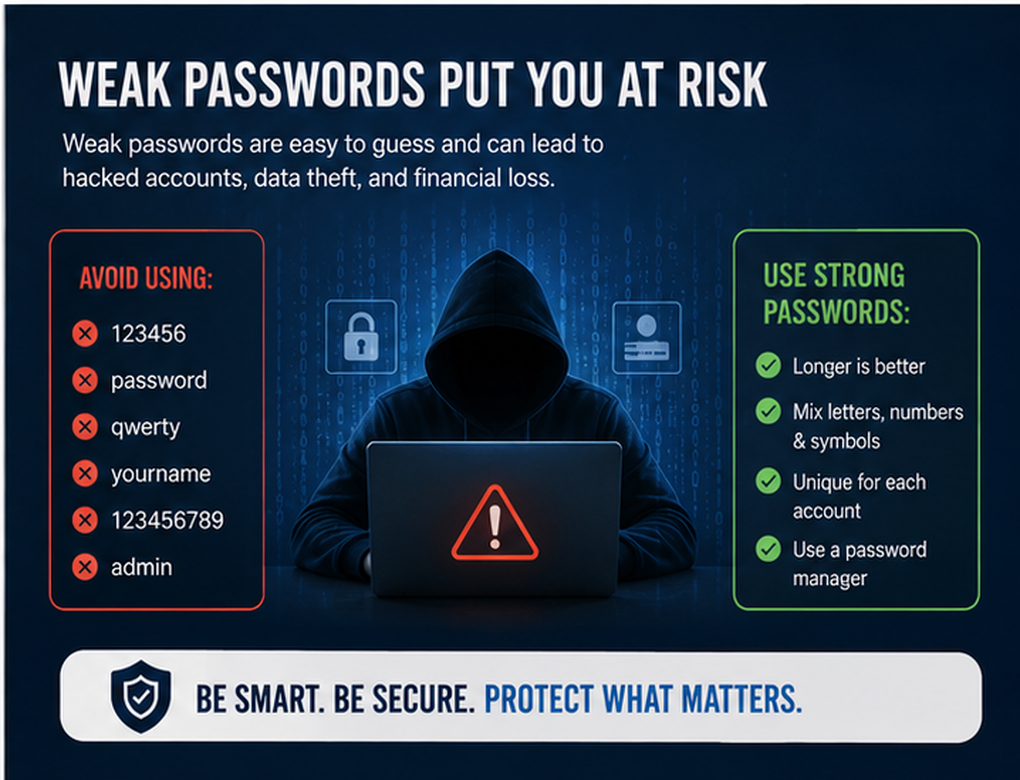
Many people choose passwords that are easy to remember. Unfortunately, these passwords can also be easier for attackers to guess.
Examples of risky password patterns include common words, names, birthdays, phone numbers, keyboard patterns, or simple number sequences.
Cybercriminals can use automated tools to test large numbers of password combinations rapidly. They may also use information available from data breaches or public online profiles.
Instead of relying on a short and predictable password, users should create long, unique credentials that are difficult to guess.
A longer passphrase consisting of unrelated words can sometimes be easier to remember while providing better protection than a short, predictable password.
2. Never Reuse the Same Password Everywhere
Password reuse is one of the biggest online security mistakes.
Imagine using the same password for your email, social media, shopping account, and another website. If one of those services experiences a data breach and the password is exposed, attackers may attempt to use the same credentials on your other accounts.
This technique is commonly known as credential stuffing.
Every important account should therefore have a unique password.
If one service is compromised, unique passwords help prevent the incident from spreading to multiple accounts.
3. Use a Password Manager
Remembering dozens of unique passwords can be difficult.
A reputable password manager can make the process much easier. Password managers are designed to generate, store, and organize unique passwords for different accounts.
Instead of remembering every individual password, users generally need to protect their password manager with a strong master credential.
Password managers can also reduce the temptation to reuse simple passwords.
When choosing one, look for a reputable provider with appropriate security features and keep the application updated.
4. Enable Multi-Factor Authentication
A strong password is important, but passwords should not always be the only security layer.
Multi-factor authentication, or MFA, requires an additional form of verification during login.
Depending on the platform, this may involve:
- An authenticator application
- A physical security key
- Biometric verification
- A device-based confirmation
- A one-time security code
MFA can help protect an account even if the password becomes compromised.
It should be enabled wherever available, especially for email, financial accounts, cloud storage, social media, and business platforms.
5. Protect Your Email Account First
Email accounts deserve particularly strong protection because they are often connected to many other online services.
When you forget a password, websites commonly send password-reset instructions to your email address.
If an attacker gains control of your primary email account, they may attempt to reset passwords for other services connected to it.
Your email account should therefore have:
- A strong and unique password
- Multi-factor authentication
- Updated recovery information
- Regular security reviews
Users should also review unfamiliar forwarding rules, connected devices, and account sessions when suspicious activity occurs.
6. Learn to Recognize Phishing Attacks
Even the strongest password cannot help if a user voluntarily gives it to an attacker.
Phishing is a form of social engineering designed to trick people into revealing passwords, financial information, or other sensitive data.
A phishing message may pretend to come from a bank, delivery company, social network, workplace, streaming platform, or another familiar service.
Common warning signs include urgent requests, suspicious links, unexpected attachments, unusual sender addresses, and demands for confidential information.
Before entering a password after clicking a message link, verify that you are actually visiting the legitimate website.
When uncertain, open the official service directly rather than using the link provided in the message.
7. Keep Devices and Software Updated
Online security is not limited to passwords.
Outdated operating systems, browsers, applications, and plugins may contain known security vulnerabilities.
Software developers regularly release updates that fix security problems and improve protection.
Users should keep their:
- Computers
- Smartphones
- Tablets
- Browsers
- Applications
- Security software
- Routers
updated whenever possible.
Automatic updates can make this process easier.
8. Secure Your Smartphone
Smartphones often contain access to email, banking applications, photographs, social media, cloud storage, and personal conversations.
Protect your phone with a strong PIN, password, or appropriate biometric security.
Avoid leaving devices unlocked in public places.
Other useful precautions include enabling device encryption where supported, keeping applications updated, downloading apps from trusted sources, and activating device-location or remote-lock features where appropriate.
If a phone is lost or stolen, these protections can make unauthorized access more difficult.
9. Be Careful on Public Wi-Fi
Free Wi-Fi is convenient, but public networks should be used carefully.
Avoid conducting highly sensitive activities on networks you do not trust, particularly when you cannot verify who operates the network.
Attackers may also create Wi-Fi networks with names that resemble legitimate businesses or public locations.
Confirm the correct network name before connecting.
When handling highly sensitive information, a trusted mobile connection may sometimes be a safer choice than an unknown public network.
10. Check Website Security Before Sharing Information
Before entering passwords, payment information, or other sensitive details, make sure you are on the correct website.
Attackers sometimes create fake websites designed to resemble legitimate platforms.
Carefully check the domain name.
Small spelling changes can indicate an imitation website.
Modern browsers also provide security warnings when they detect certain dangerous websites or connection problems. Do not ignore these warnings without understanding why they appeared.
However, remember that the presence of HTTPS alone does not guarantee that a website is trustworthy. Fraudulent websites can also use encrypted connections.
11. Avoid Sharing Passwords
Passwords should generally remain private.
Sharing login credentials through email, messaging applications, or handwritten notes can create unnecessary security risks.
For businesses, employees should ideally have individual accounts instead of sharing one username and password.
Individual accounts make it easier to control permissions and determine who accessed a system.
If access needs to be shared, use the platform’s official user-management or delegated-access features whenever possible.
12. Protect Your Social Media Accounts
Social media accounts can contain a surprising amount of valuable personal information.
Attackers may target accounts to impersonate users, contact friends, promote scams, or collect personal details.
Protect social media accounts using unique passwords and MFA.
You should also review:
- Active login sessions
- Connected applications
- Privacy settings
- Recovery email addresses
- Recovery phone numbers
Remove unfamiliar devices and applications that no longer need account access.
13. Be Careful About What You Share Online
Online security also involves controlling the amount of personal information publicly available.
Information such as birthdays, addresses, workplace details, travel plans, family names, and contact information can sometimes help criminals create convincing scams.
Think carefully before publicly sharing personal details.
Privacy settings can help control who sees your posts, but users should still assume that information posted online may eventually reach a wider audience than originally intended.
14. Regularly Review Account Activity
Many online services provide information about recent logins, active sessions, connected devices, or security events.
Review these sections periodically.
Warning signs may include:
- Logins from unfamiliar locations
- Unknown devices
- Password-reset requests you did not initiate
- Changed recovery information
- Messages you did not send
- Purchases you did not make
If something looks suspicious, secure the account promptly.
Change the password, remove unknown sessions, review recovery information, and enable stronger authentication if it is not already active.
15. Back Up Important Information
Strong passwords protect access to accounts, but backups protect your information if something goes wrong.
Important photographs, business documents, academic work, financial records, and other valuable files should be backed up regularly.
Depending on your needs, backups can be stored using reputable cloud services, external storage, or a combination of methods.
For highly important information, relying on only one copy is risky.
Regular backups can help with recovery after hardware failure, accidental deletion, malware, ransomware, or device theft.
16. Teach Children and Family Members About Online Security
Cybersecurity awareness should not be limited to professionals.
Children, teenagers, and older family members may also use social media, messaging applications, online games, shopping websites, and financial services.
Families should discuss safe online habits, including:
- Keeping passwords private
- Recognizing suspicious messages
- Avoiding unknown downloads
- Checking privacy settings
- Reporting suspicious activity
- Protecting personal information
Creating an environment where family members feel comfortable asking questions can reduce the chances of scams succeeding.
17. Businesses Need Strong Password Policies
Organizations have additional responsibilities because employee accounts may provide access to customer data, financial information, internal documents, and business systems.
Businesses should establish clear password and authentication policies.
Important practices include unique credentials, MFA, appropriate account permissions, secure password-management tools, and prompt removal of accounts when employees leave.
Administrator accounts deserve additional protection because they may provide extensive control over company systems.
Regular cybersecurity training can also help employees recognize phishing attempts and other common threats.
18. What to Do If Your Password Is Compromised
Quick action can reduce potential damage.
If you believe a password has been stolen:
- Change the affected password immediately.
- Change passwords on other accounts if the same credential was reused.
- Enable multi-factor authentication.
- Sign out of unfamiliar devices or active sessions.
- Review recovery information.
- Check recent account activity.
- Monitor financial accounts when relevant.
- Report unauthorized activity to the appropriate service provider.
If your email account was compromised, pay particular attention to connected accounts and password-reset activity.
19. Common Password Security Mistakes
Even security-conscious users can develop unsafe habits.
Common mistakes include using the same password everywhere, choosing predictable passwords, sharing passwords with others, ignoring MFA, storing passwords in insecure locations, and entering credentials into websites reached through suspicious messages.
Another mistake is assuming that only famous or wealthy people are targeted.
Many cyberattacks are automated. Attackers can target thousands of ordinary accounts simultaneously rather than selecting each victim individually.
Everyone who uses online services should therefore take basic security precautions.
20. Online Security Requires Multiple Layers
No single cybersecurity measure provides complete protection.
Strong passwords are important, but they work best alongside additional safeguards.
A strong personal security strategy combines:
Unique passwords + Password manager + MFA + Software updates + Phishing awareness + Secure devices + Backups
If one layer fails, another may still protect the user.
This layered approach can significantly improve overall online security.
Benefits of Strong Passwords and Better Online Security
Improving digital security provides benefits beyond protecting individual passwords.
Good security habits can help protect:
- Personal identity
- Financial information
- Business records
- Private communications
- Family photographs
- Social media profiles
- Customer information
- Online purchases
Better security can also provide greater confidence when using digital services.
Users who understand common threats are better prepared to recognize suspicious activity before serious damage occurs.
Final Thoughts
Understanding the importance of strong passwords and online security has become essential in an increasingly digital world.
Passwords remain an important part of account security, but creating a strong password is only the beginning. Users should choose unique credentials for every important account, use a reputable password manager, enable multi-factor authentication, keep devices updated, recognize phishing attempts, and regularly review account activity.
Online security does not require becoming a cybersecurity expert.
Simple and consistent habits can make a meaningful difference. Start by securing your email account, replacing reused passwords, enabling MFA, updating your devices, and backing up important information.
The internet will continue to play an increasingly important role in everyday life. Developing strong security habits today can help protect your identity, finances, information, and digital future.